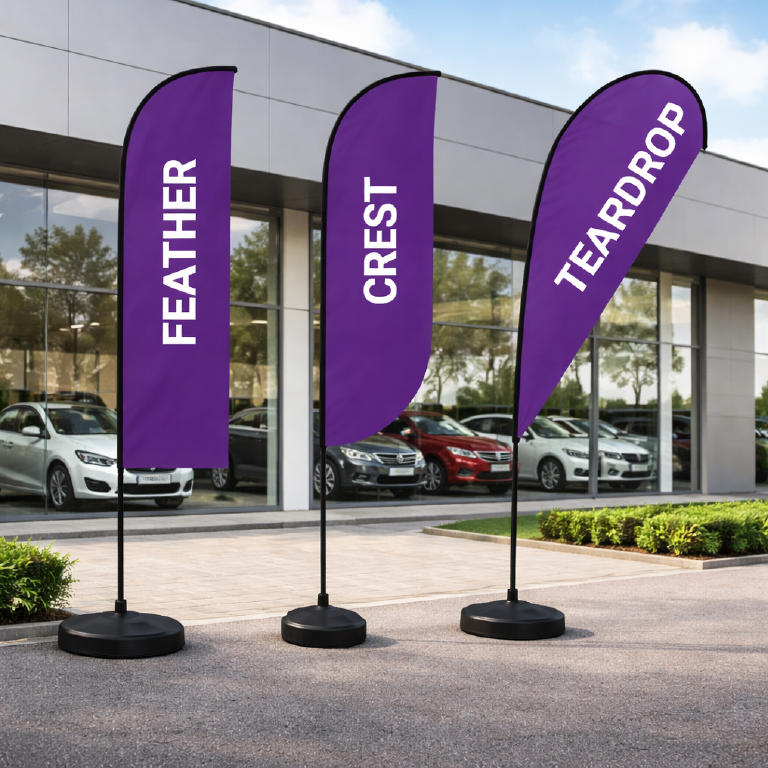
Every feather flag we print has its own template, so your design lands exactly where it should. Choose your shape, height and sides and the right template is ready to download, or grab all 35 in one zip.
Below: what the lines on the template mean, then eight steps from download to sending us your files.

What the lines on your template mean
- Outer line: edge of the bleedRun your background right out to it. Part of it sits inside the pole sleeve.
- Red line: the finished edgeWhere your flag ends once it’s stitched and on the pole.
- Green line: the safe zoneKeep text and logos inside it, clear of the pole and the stitching.
Eight steps to print-ready flag artwork
Download the right template
Pick the shape (feather, teardrop, concave, angled or crest), the height (2.8m, 3.4m, 4.5m or 5.6m) and single or double sided on the product page, and your template appears ready to download. The 5.6m X Large is single sided only.
Open it and leave the artboard alone
Our templates are drawn at 25% (1:4) to keep files light. Don’t resize the artboard: we check every file against the template, size included.
Set up two layers
Name the template’s layer Guides and lock it. Make a new layer underneath and put your design there, so the guides sit on top while you work.
Work to the lines
Background out to the outer line, nothing important past the green line. Hover the key above to see each line on the template.
Double sided flags
Page 1 is the front, page 2 is the back. The back’s shape is already mirrored, so design it the way you want it to read from behind.
Images, colour and fonts
Because the template is at 25%, place photos at 400 ppi or more on the template (that’s 100 ppi at full size). Set colours up in CMYK, and outline or embed your fonts.
Save two PDFs
In Illustrator, use Save As › Adobe PDF with Preserve Illustrator Editing Capabilities ticked, and no crop marks. Save one with the Guides layer showing and one with it hidden.
for our studio’s check
the file we print
Send them to us
On your Send artwork page each flag has two boxes, With guides and Without guides. Our checker compares both with the template (size, bleed, safe zone and that they show the same design), then our studio has a look before anything’s printed. If something needs changing, we’ll email you.
Five shapes, one way of working
Feather, teardrop, concave, angled and crest all work the same way, in 2.8m, 3.4m, 4.5m and 5.6m.
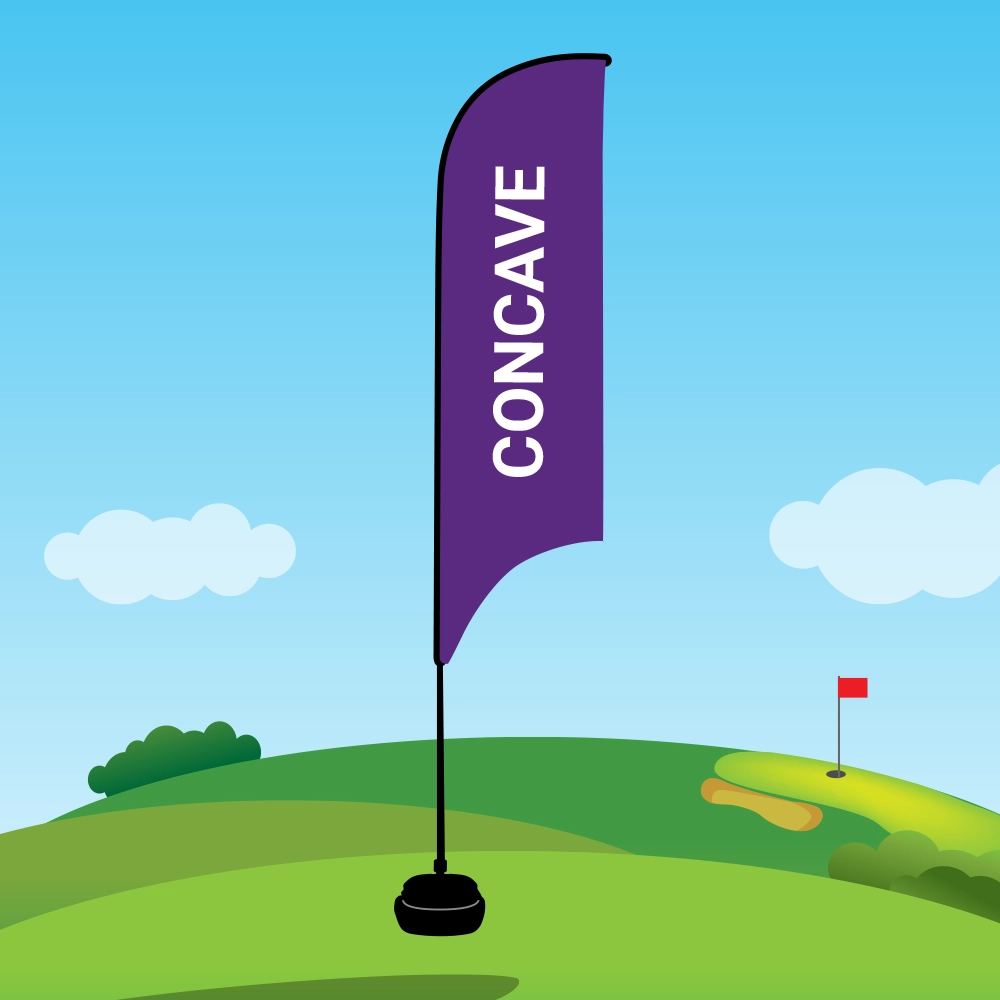 Concave
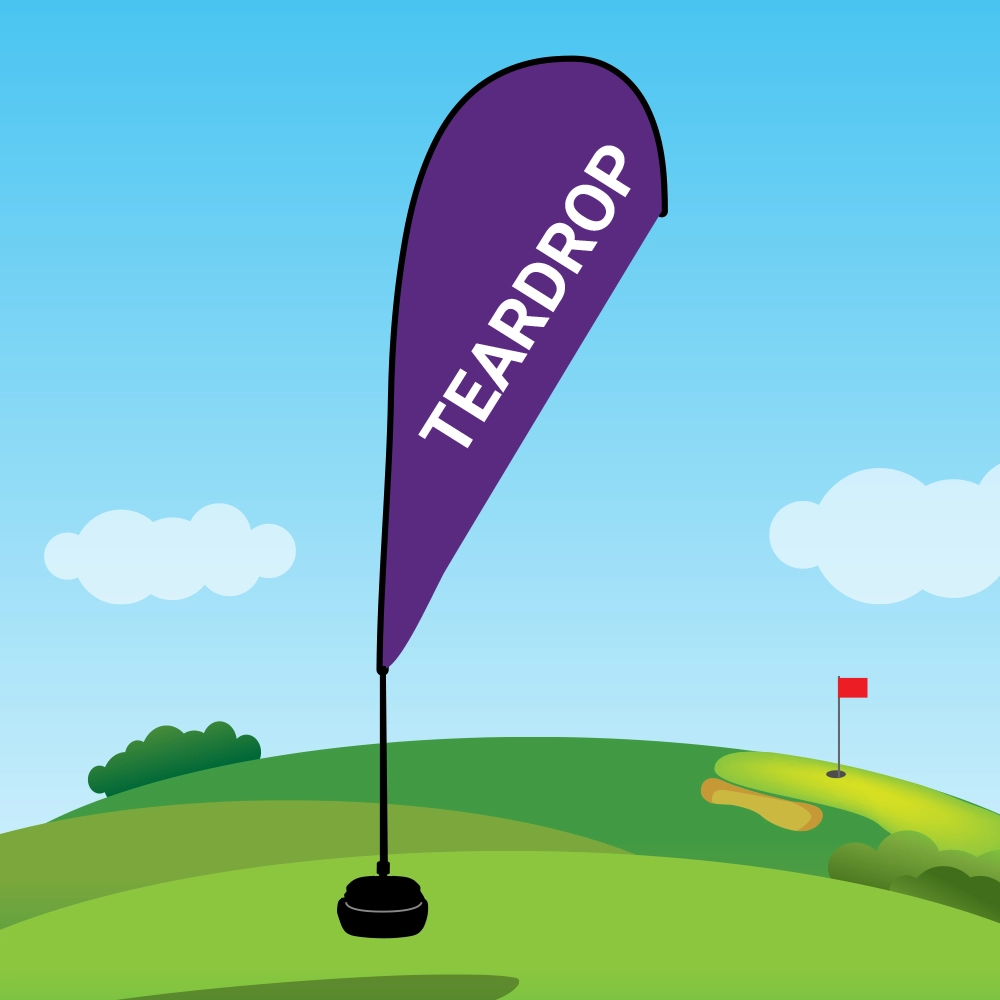 Teardrop
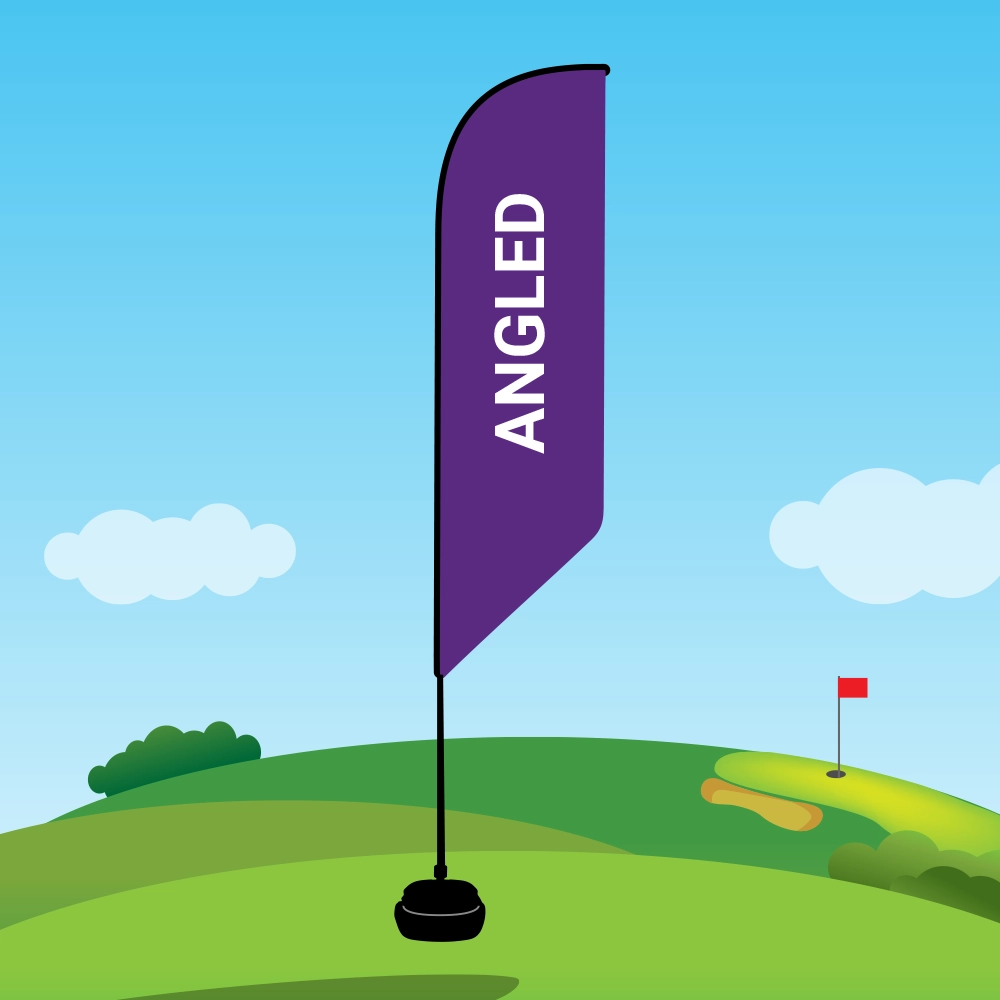 Angled
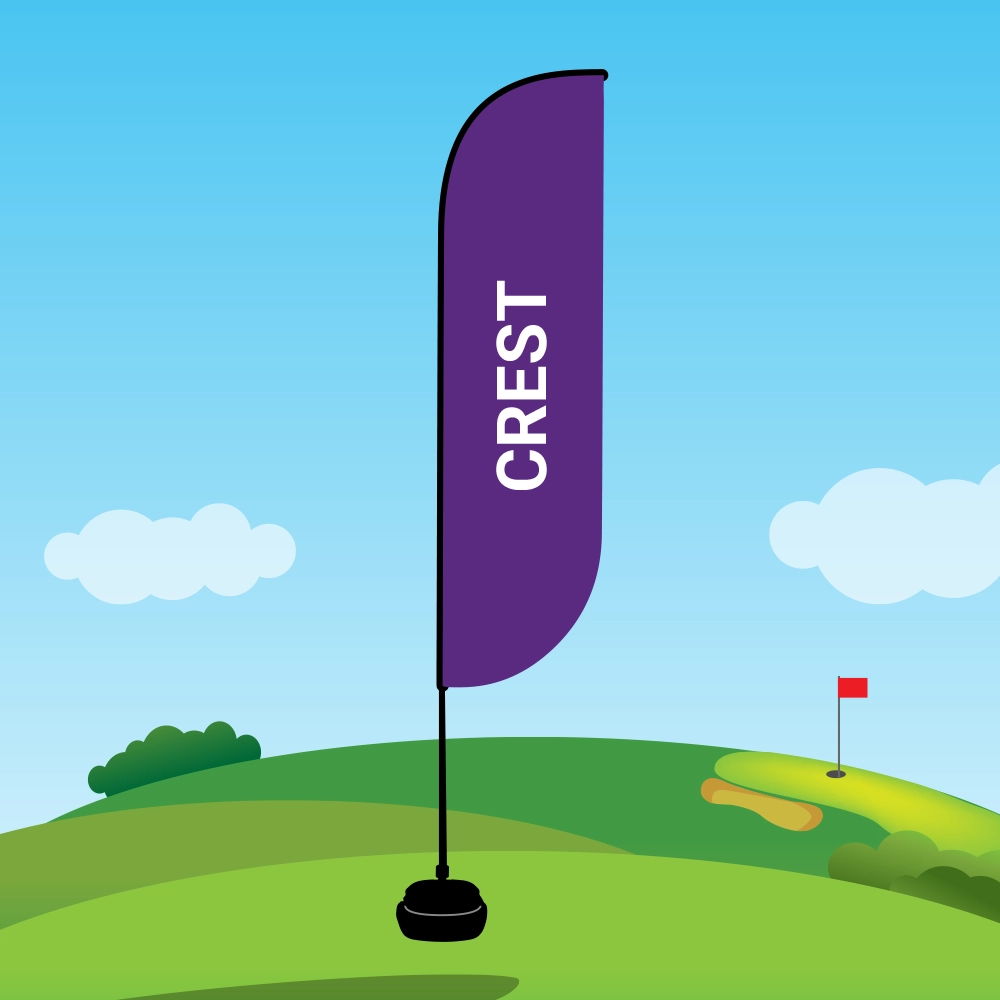 Crest
CrestReady to design yours?
Pick your flag, download its template, and send us two PDFs when you order.